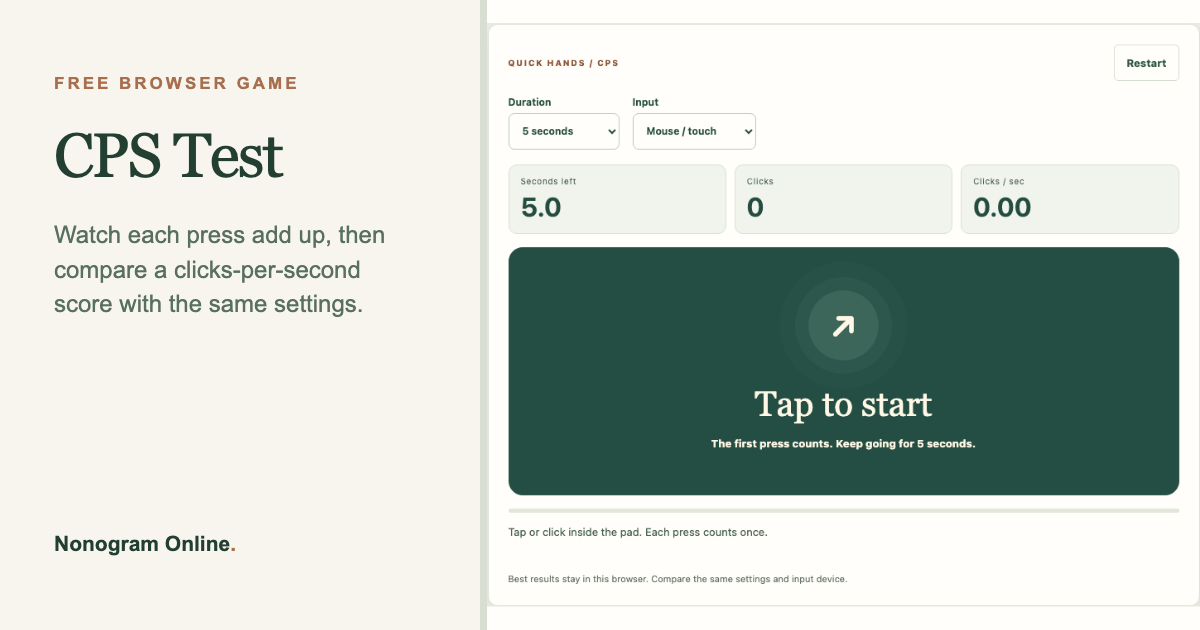
A short burst of speed. Tap, click, or choose Spacebar mode, then find a rhythm and see your clicks per second.
WHAT TO EXPECT
Is CPS Test your kind of game?
Watch each press add up, then compare a clicks-per-second score with the same settings.
Good for
A very short speed challenge with a clear measured finish
One session
One 1, 5, 10, or 30-second burst
Controls
Click or tap the pad, or choose Spacebar mode and focus the pad
What you use
Practice a repeated input rhythm and compare your own attempts.
Good to know: The first press counts. Bests are saved per duration and input type; hiding the page cancels a running round.
Preview of the playable CPS Test game above.RULES & EXAMPLES
How this click speed test works.
This free CPS test measures mouse click speed, touch tapping speed, or spacebar presses during a chosen interval. Start directly in your browser, read the clicks-per-second calculation, and copy a result with its settings.
How is CPS calculated?
Clicks per second equals the total counted presses divided by the selected duration. The first press counts and starts the timer. A press at or after the deadline does not count. Choose 1, 5, 10, or 30 seconds; the small bars show counts in each second.
Can I test the spacebar or my phone?
Yes. Mouse / touch mode counts primary pointer presses inside the pad. Spacebar mode counts individual Space or Enter presses while the pad is focused. Automatic keyboard repeats are ignored. Best scores are kept separately for duration and input type.
A score you can calculate
If you make 30 presses during a 5-second round, your result is 6 CPS. The first press is included. Copy the result so a friend can try the same duration and input mode.
What does not count?
Clicks outside the pad, secondary mouse buttons, and presses after time expires do not add to the total. Holding Space does not generate a stream of points: release and press again.
ONE MORE OPTION
When you're ready, try Reaction Time Test.
See each response in milliseconds and find your median after five rounds.