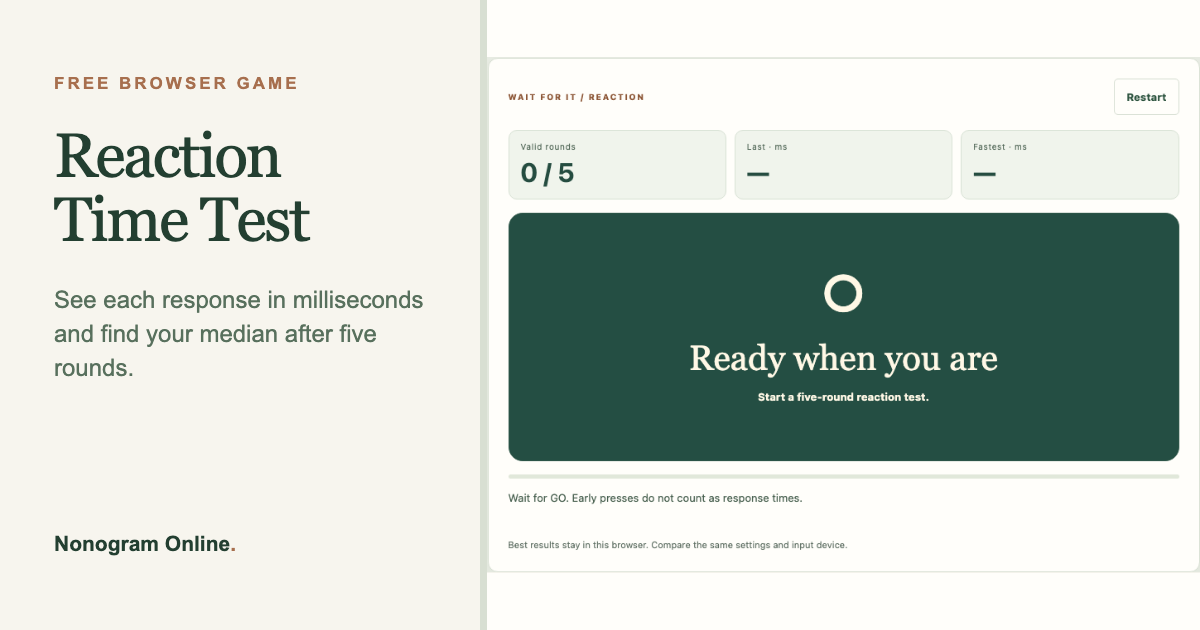
Wait for the signal. React when GO appears. Five short rounds reveal your speed and consistency.
WHAT TO EXPECT
Is Reaction Time Test your kind of game?
See each response in milliseconds and find your median after five rounds.
Good for
A short anticipation and reflex challenge
One session
Five valid responses, with untimed breaks between them
Controls
Click, tap, or press Space or Enter on the pad; use the same input for the set
What you use
Respond to a visual signal while resisting the urge to press too early.
Good to know: Device and browser latency affect results. Early presses are separate from valid responses; this is not a clinical test.
Preview of the playable Reaction Time Test game above.RULES & EXAMPLES
How this reaction time test works.
This visual reaction speed test asks you to wait for a random GO signal, then respond with a click, tap, or key press. Complete five valid rounds to compare your median response time in milliseconds.
Why use five rounds?
The result uses the median of five valid response times: the middle value after sorting them. You also see the average and fastest response. One unusually slow response has less effect on the median than on the average. The wait is randomly varied between 1.5 and 4 seconds.
What changes the measurement?
The time runs from the displayed GO signal to your input handler. Screen refresh, browser scheduling, and mouse or touchscreen latency affect it. Use the same device and input to compare attempts. This browser reflex game does not provide a clinical assessment or a population ranking.
A valid response
Wait until GO and the lightning symbol appear. Respond, read the time, then start the next round when you are ready. Five valid times of 240, 260, 270, 280, and 400 ms have a median of 270 ms.
A false start
If you press while the pad still says Wait, that is an early press. It is reported separately and does not become a zero-millisecond score. Retry the round; hiding the page during the signal cancels the set.
UNDERSTAND THE NEXT MOVE
Separate reacting from predicting
A useful result starts with waiting for the actual GO signal. Guessing when it will appear can produce an early press instead of a valid fast response. Five valid rounds show more than one lucky attempt.
How to decide
Keep the same setup
Use the same screen, browser and input for a comparison. Display refresh and input latency are part of a browser measurement.
Wait for the word and symbol
Respond to GO, not the length of the wait. The delay varies, so a memorized countdown is not a reliable cue.
Read the full set
Compare the median, average and individual rounds. A single unusually slow round affects the average more strongly than the median.
WORKED EXAMPLE
One slow round changes the average
Illustrative valid results in milliseconds: 240, 260, 270, 280 and 450.
Sorted: 240  260  [270]  280  450
Median: 270 ms
Average: 1500 / 5 = 300 ms
Take the middle sorted value
There are two times on either side of 270, so the median is 270 ms.
Calculate the average separately
The slow 450 ms response raises the arithmetic average to 300 ms. Neither number erases that round.
Check early presses too
An early press retries its round and is not a zero-millisecond result. Avoid improving a headline number by guessing the signal.
Common mistakes and why they matter
Treating one number as a diagnosis
This is a browser reflex game. Device effects and attention influence the result; it is not a clinical assessment or a population ranking.
Switching tabs during a set
Hiding the page cancels the set. Finish under consistent conditions rather than combining interrupted rounds.
Try it yourself
Complete one five-round set without trying to anticipate GO. Take a break before a second set, then compare both medians and their individual rounds.