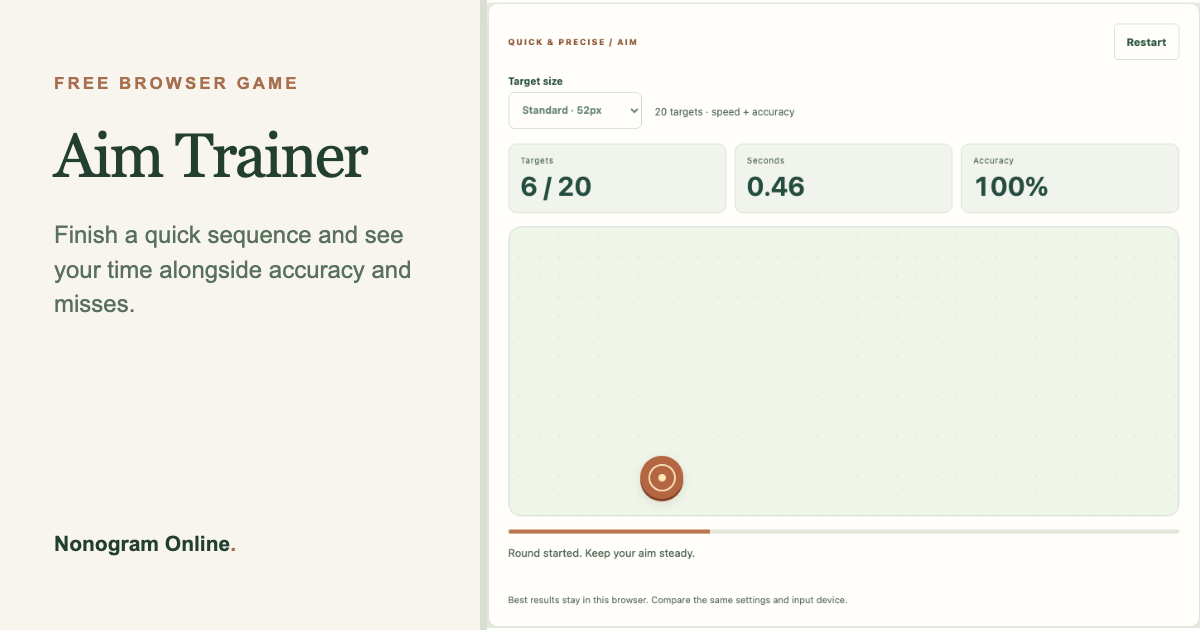
Find your flow between 20 targets. Move quickly, keep your aim steady, and see how speed balances with accuracy.
WHAT TO EXPECT
Is Aim Trainer your kind of game?
Finish a quick sequence and see your time alongside accuracy and misses.
Good for
A short precision challenge that balances speed and mistakes
One session
One round of 20 targets at a chosen size
Controls
Click or tap each circle; keyboard activation is available as a separate practice input
What you use
Switch between stationary targets with deliberate, accurate inputs.
Good to know: Best times require at least 90% accuracy and are separated by target size and input type. Changing the play-area size cancels the round.
Preview of the playable Aim Trainer game above.RULES & EXAMPLES
How this target accuracy test works.
This browser aim trainer is a target-switching challenge: hit 20 stationary circles at changing positions. Compare target clicking speed and accuracy with three target sizes and results separated by input type.
How do time and accuracy work?
A round starts when its first target appears and ends on the twentieth hit. Accuracy is hits divided by all attempts. Misses lower accuracy but do not move the target. Results show total time, misses, and average time per target.
Which results save a best time?
A completed round needs at least 90% accuracy to save a best time. Records are separated by 72px, 52px, or 36px target size and by mouse, touch, pen, or keyboard input. Keyboard activation is available for an alternative practice round; it is not a mouse aiming score.
A quick and accurate round
Hit 20 circles with two misses: 20 of 22 attempts gives 90.9% accuracy. That round can save a best time for its target size and input device.
When speed alone is not enough
Hit 20 circles with three misses: 20 of 23 attempts gives 87.0% accuracy. You still receive a result, but the time is not saved as a best. A background tap is a miss and leaves the current circle in place.
UNDERSTAND THE NEXT MOVE
Find speed you can keep accurate
The clock ends on the twentieth hit, but misses still matter. Accuracy is hits divided by all attempts. A fast round only qualifies for a local best at 90% accuracy or above.
How to decide
Settle the pointer before pressing
Move toward the circle, make a small final correction, then click. Repeated background clicks cost accuracy without moving the target.
Choose a target size you can control
Start with a larger size to practise the movement. A smaller circle reduces the margin for error, so compare records within the same size.
Review misses alongside total time
A slower accurate run may be a better starting point than a fast run below the record threshold. Reduce unnecessary movement before adding speed.
WORKED EXAMPLE
One extra miss changes record eligibility
Both illustrative attempts finish all 20 targets using the same target size and input.
Accuracy is at least 90%, so the completed time is eligible to replace the best if it is faster.
With three misses
The result is still shown, but it cannot become the best time even if the clock is lower.
Inspect your correction habit
If the extra miss came from clicking before the pointer settled, slow that final correction rather than the whole movement.
Common mistakes and why they matter
Expecting a miss to move the circle
A background attempt counts as a miss and leaves the current target in place.
Mixing input methods in a comparison
Mouse, touch, pen and keyboard records are separate. Keyboard activation is an alternative practice input, not a mouse-aiming measurement.
Try it yourself
Complete a round on the largest target size with no misses. Keep the same settings for another round and try to reduce time while staying above the accuracy threshold.